The Screen Print & InkTra Design Guide
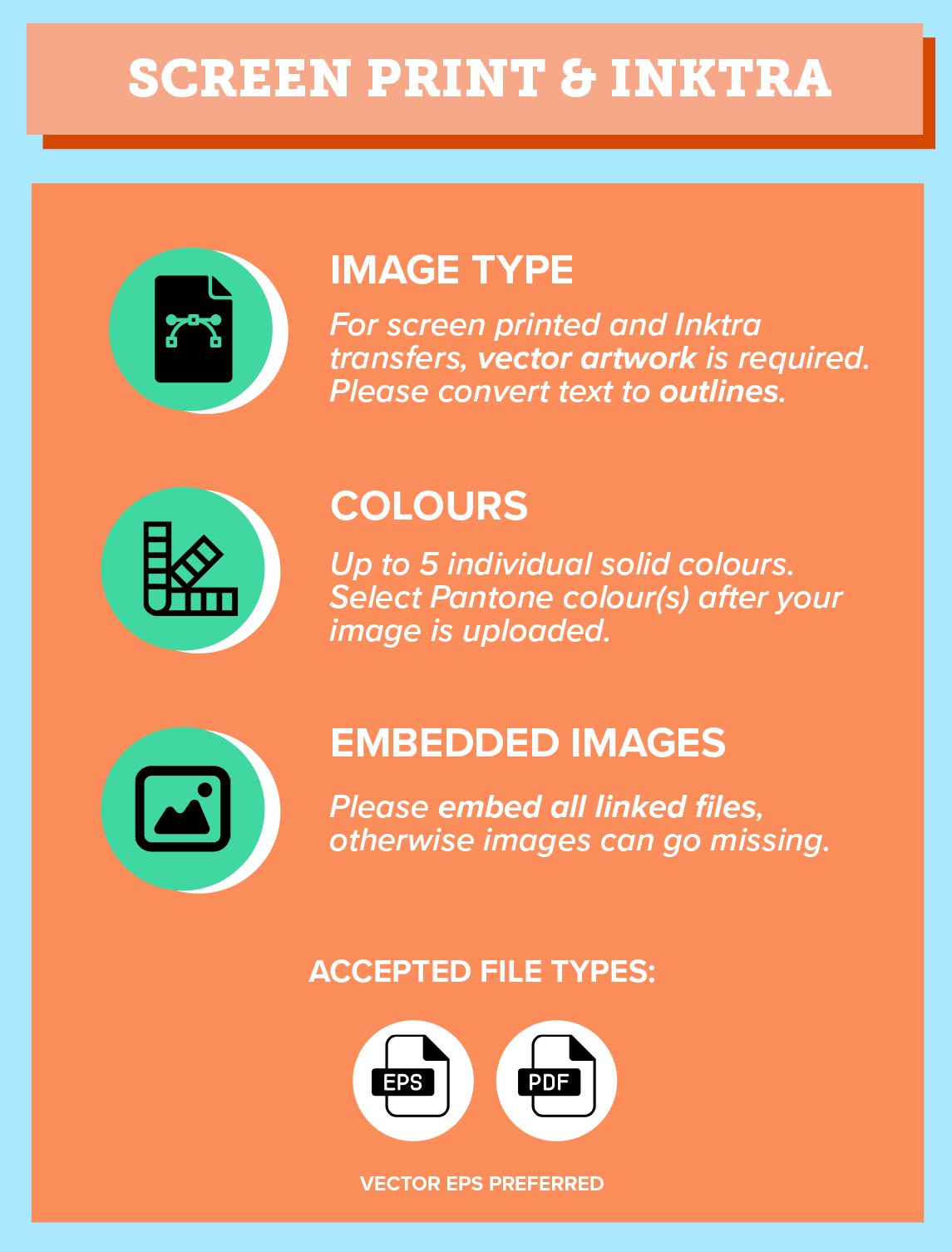
IMAGE TYPE - For Screen Printed and InkTra transfers, vector artwork is required. This can be done using software such as Adobe Illustrator, and all text must be converted to outlines before submission.
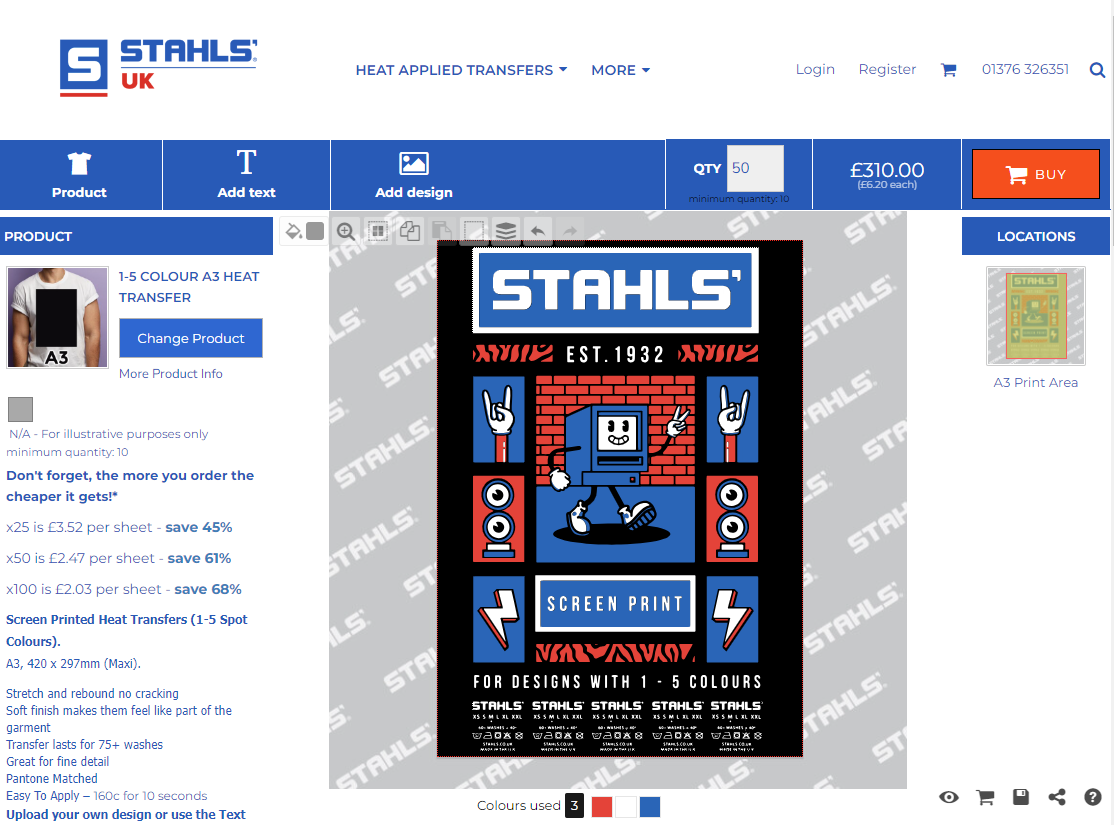
COLOURS - Up to 5 individual solid colours can be used. After your image is uploaded, you will be prompted to select Pantone colour(s). Please check your automatically assigned Pantone is correct. These can also be changed using the Pantone colour selector box when arranging your design on your transfer sheet.
If you cannot find your preferred Pantone, please contact our customer service team, and this can be made up for a small fee.
EMBEDDED IMAGES - Make sure all linked elements are fully embedded within your file. This prevents any missing images or issues when your artwork is transferred or uploaded.
ACCEPTED FILE TYPES: EPS, PDF.